Photo-to-video preset
Bulin 47 AI Template
Add your photo to a prepared Bulin 47 freestyle. The performance reference and original sound are already set up. No prompt needed.
Preview your photo before signing in. Creating a video uses paid credits. A single HD video pack costs $9.99.
One photo → Actual generated video
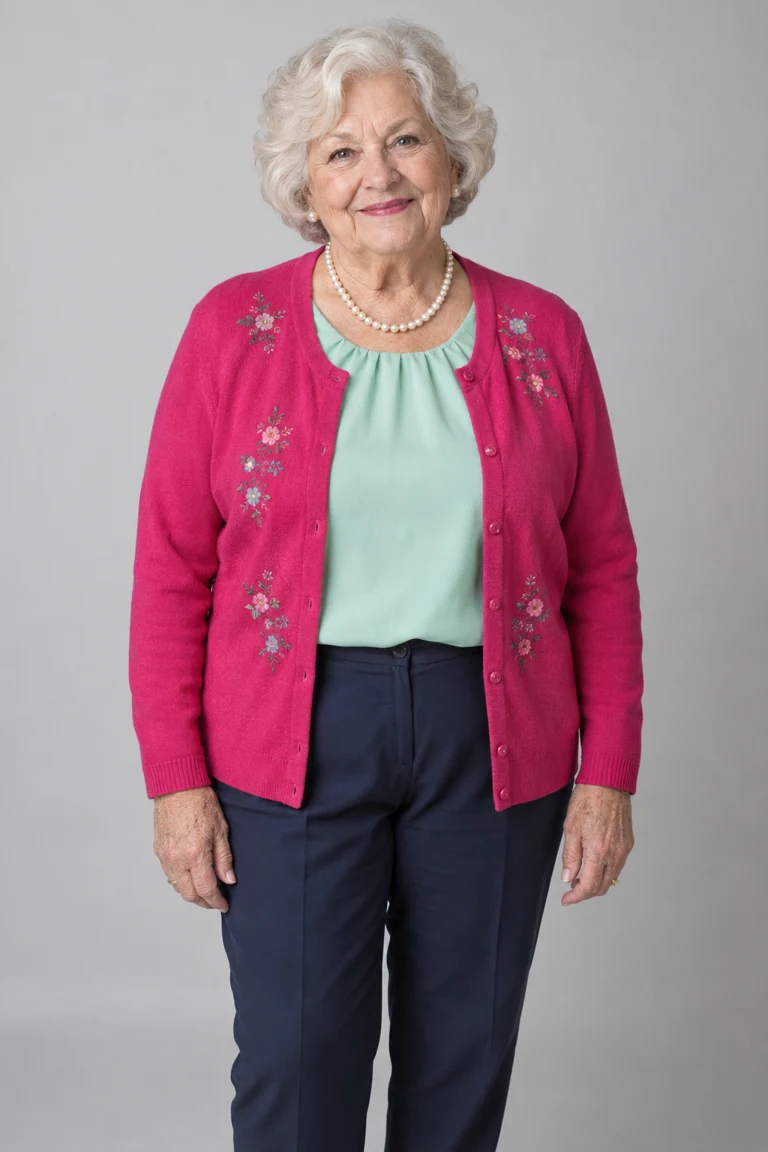
One input photo
Actual result · 720p
Choosing a photo does not start generation or use credits.
Single pack USD 9.99 · 1 HD video
Full input, video and generation method01 Add your photo
- Add your lead photo.
- Confirm the age and permission for everyone in your uploaded photos.
- Restoring your saved setup. Please wait.
- Checking your sign-in status. Please wait.
Photo & usage details
- HEIC/HEIF photos are converted to JPG in your browser. Up to 10 MB per photo.
- Photos are sent for AI processing only when you generate. New videos use private storage. Photo retention and deletion
- No nudity, sexual content or non-consensual imagery. Use restrictions · Report misuse
- Your setup is saved in this browser for 24 hours. Photos upload only when you generate.
- Failed renders return credits
What the Bulin 47 template includes
This built-in photo-to-video preset generates an MP4, not an editable CapCut project. Your photo supplies the character; the preset supplies the performance.
Your lead photo
Your photo guides the lead performer’s face, hair and outfit. Choose one person with a clear face and visible upper body.
A prepared performance
The clip and instructions are built in. You do not need to find a reference video, write a prompt or film the moves.
The original freestyle sound
The finished video includes the reference soundtrack. It does not clone your voice or add your name to the lyrics.
Original mode uses your lead photo and the original people as references for the surrounding cast. Custom mode lets you assign up to four optional single-person photos to selected crowd roles. Roles you leave unchanged use the original people as references. AI can still alter other scene details.
View the reference and source notesSee the photo and the finished video
This video of a fictional grandmother was generated with our prepared preset. Play it with sound to compare her portrait with the full performance.
Input photo · AI-created fictional adult
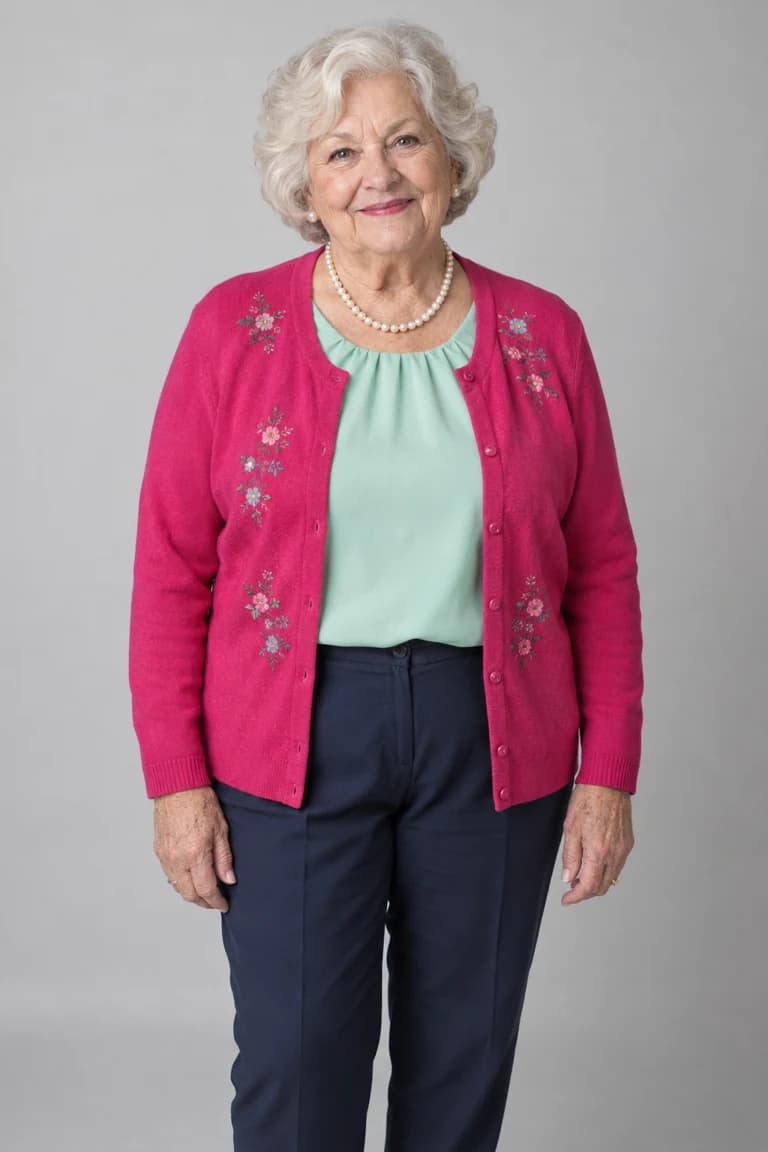
Actual generated result · Original crowd
This is one example. Your photo can produce different facial details, movements and mouth timing.
Bulin 47 template questions
Do I need CapCut, the source clip or a prompt?
No. This browser preset already includes the performance reference and instructions. It creates a video rather than an editable CapCut project. If you want to supply your own clip and instructions, read the manual prompt guide.
Which photos can I use?
Use a clear photo of yourself or an adult who has agreed to this AI use. Keep the face visible and use one person per photo. Everyone pictured must be 18 or older. Photos of minors, celebrities and public figures are not allowed.
Is the template free to use?
You can watch the example and preview your selected photo for free. The photo preview is not a generated video. Each 480p generation uses 10 credits; 720p uses 22. A single HD video pack costs $9.99. Original and Custom crowd modes cost the same. See video packs before purchasing.
Will the result look exactly like my photo?
Exact likeness is not guaranteed. AI may change the face, clothing, hands or other details. The video uses the original soundtrack, but mouth movements may not match every word. Review the entire result before sharing it.
How do I create and save my video?
Choose your photo, crowd mode and quality, then sign in and review the credit cost. Confirm the age and photo permissions before generating. When the result is ready, play it with sound and download the MP4. See the full guide for the steps and troubleshooting.
Use your photo in the freestyle
Choose who takes the lead. The performance reference and soundtrack are ready.
Choose your photo